


 Doorbell
INTRODUCTION
The Doorbell component allows users to receive a notification directly in the Ilevia Control app whenever the component is triggered. This makes it possible to immediately notify users when someone rings the doorbell or when a connected doorbell event is detected, providing a simple and effective way to monitor entrances through the Ilevia system.
USE CASES
-
The user wants to resolve a notification when the doorbell button is pressed.
-
The user wants to unlock the front door through the Ilevia control app.
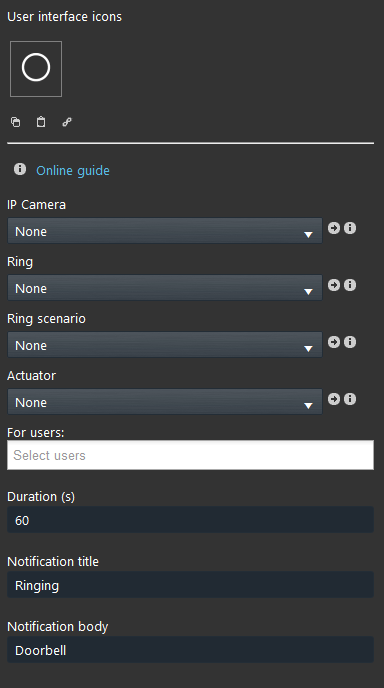
Component properties
IP Camera: You can link a IP Camera component that will display the RTSP stream on the Ilevia control app once the doorbell is pressed.
Ring: Link a Color info, Text info, Switch, Pulse component that, once triggered, will send the notification and open the Doorbell interface.
Ring scenario: This Scenario component will trigger once the Doorbell is triggered.
Actuator: This Switch component will trigger a specific function linked to that component.
For users: Select the user that will receive the notification once the doorbell is pressed.
Duration (s): The amount of time the doorbell interface will remain on the screen.
Notification title: Enter here the title of the notification that will be displayed within the Ilevia Control app whenever the Doorbell is triggered
Notification body: Enter here the text that will be displayed in the notification message body once the Doorbell is triggered.
VISUAL RESULT
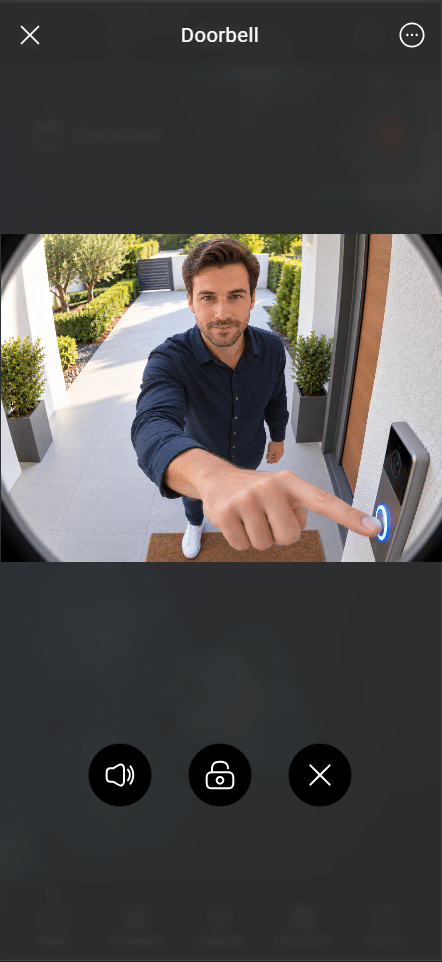
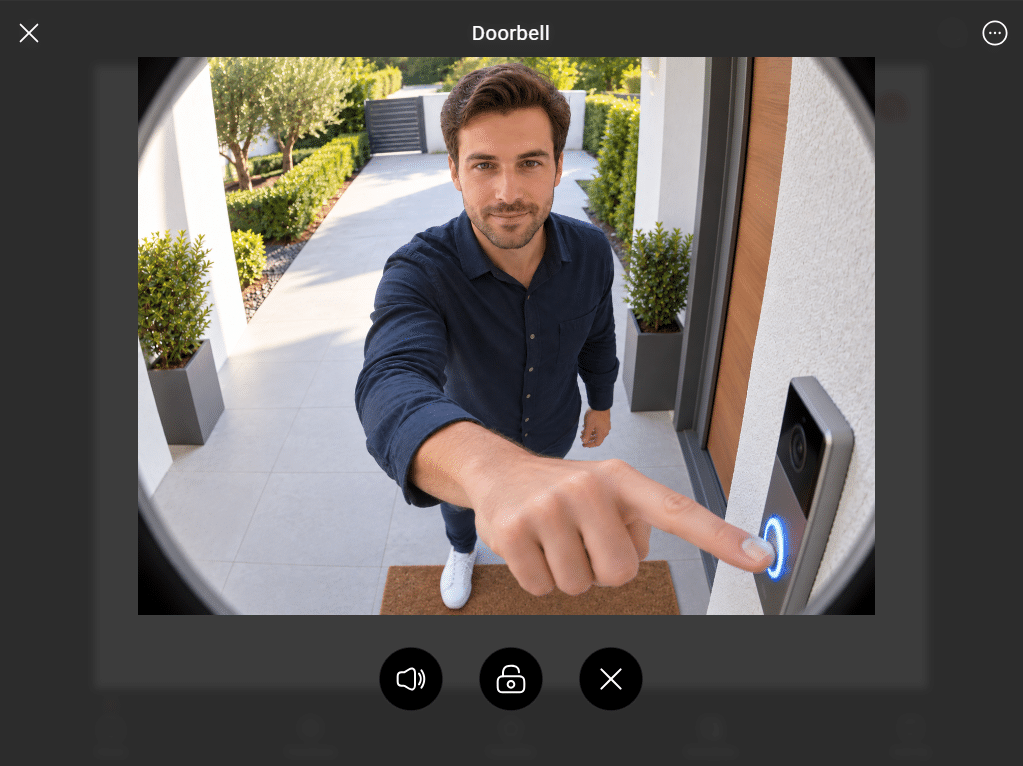
The Doorbell component allows users to receive and manage doorbell events directly from the Ilevia Control app. When triggered, it can provide quick access to actions such as unlocking the door or activating a predefined scenario.
In this guide, the Doorbell component is shown in both the Classic and Map interface styles, demonstrating how the available actions can be accessed and used from each interface.
Classic user interface
Map user interface
Please follow this guide that explain the full configuration of the Doorbell configuration.